
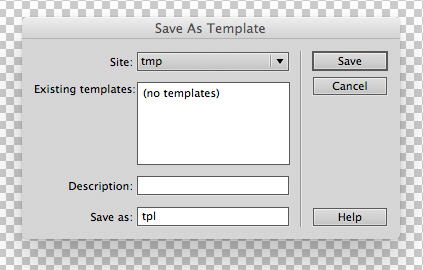
Dreamweaver won’t let you easily save template files as .HTML files – it always asks you to “Save as Template” in to your site’s templates directory and enforces the use of the “.dwt” file extension. I figured out a simple solution to this very annoying issue…
Just include an extra “.dwt” ‘pre-extension’ in the filename – i.e. filename.dwt.html.
Why would I want to do this? Because I use Dreamweaver to build email templates for use in SmartFocus. They have a very handy WYSIWYG editor that recognises Dreamweaver Template Zones in uploaded HTML email templates. And that’s a very nice feature to have.
Last updated on 5th September 2018
Leave a Reply